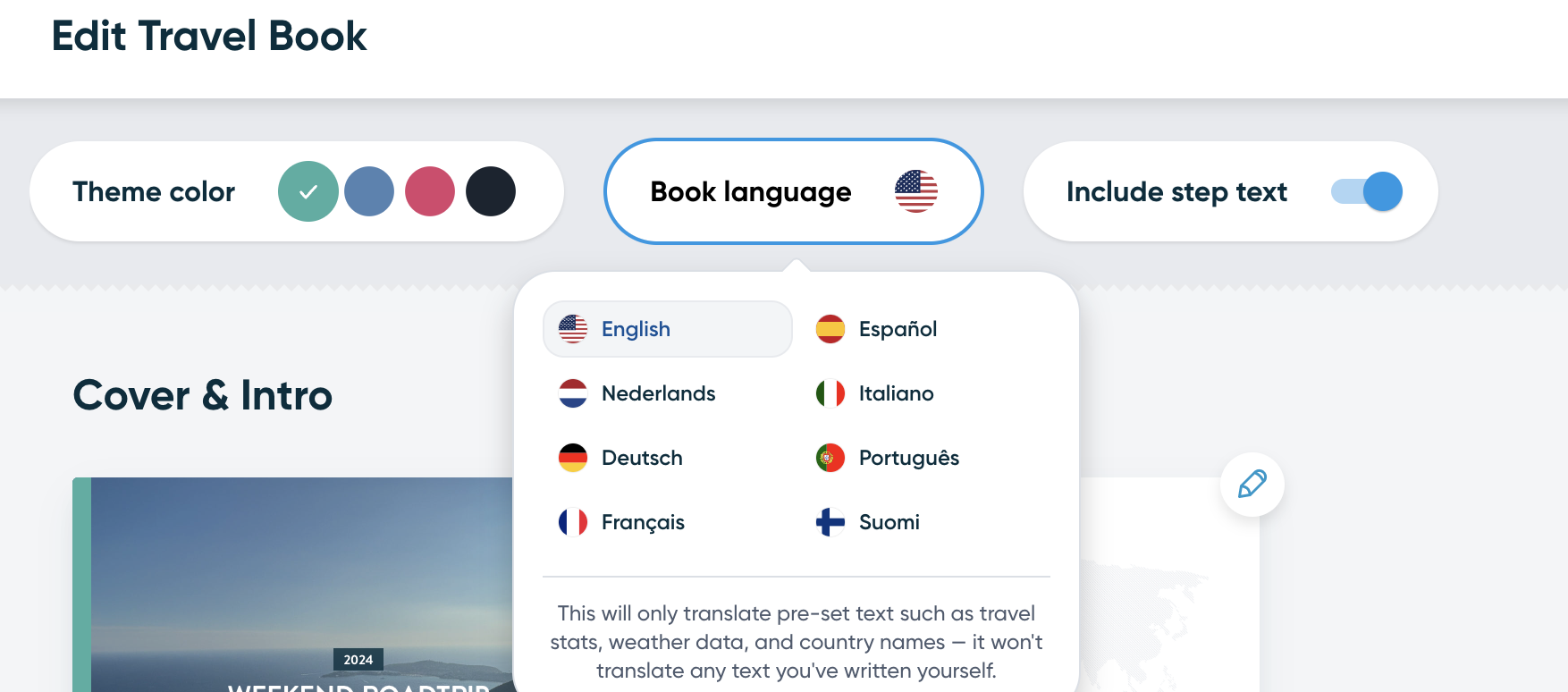
You can easily change the language of your Travel Book! Simply click on the Edit Travel Book button when in the preview, and at the top of the page click on Book language to see the list of supported languages:
Once you have selected your language, please don't forget to click on the Save button at the end of the page.
Additionally, please keep in mind that this only translates the pre-set text in the Travel Book and will not translate the step text you have written yourself.